Lingue vs. Previewed
Previewed is a mockup studio: photorealistic 3D device renders, animated MP4 mockups, and promo videos, with App Store screenshots as one of the things it makes. Lingue is the reverse: a tool built only for store screenshots, with localization, versioning, and publishing attached. They overlap on a single feature and diverge on almost everything else, which makes the choice unusually clear.
We make Lingue, so weigh this accordingly. Previewed details come from its site and live plans page as of August 2026.
Comparison at a glance
| Capability | Lingue | Previewed |
|---|---|---|
| Editor model | Freeform canvas for store sets | Mockup templates |
| 3D device renders | 3D-tilted frames on canvas | Any angle, photorealistic |
| Video export | No | MP4, up to 60fps |
| Exact store export sizes | Yes, every required resolution | Exports listed as 720p and 1080p+ |
| Current device presets | Yes, including 6.9-inch iPhone | Device list skews older |
| Localization | Every store language, RTL automatic | Manual per-canvas text |
| Publish direct to both stores | Yes, both plans | No |
| AI draft sets | Yes | No |
| Versioning | Yes (Pro) | No |
| One-time purchase | No, subscription with trial | Yes, $9.99 for 10 exports |
What Previewed does well
- 3D renders. Spin a device to any angle in the browser and get a polished, photorealistic result. Even competing tools describe it as best in class among browser-based mockup generators. Lingue's 3D tilt is built for screenshots on the canvas, not for standalone hero renders.
- Video. Previewed exports animated MP4 mockups at 30 or 60fps and has a dedicated app promo video maker with animated typography and simulated taps. Lingue exports static images only, so if you need App Store app previews or animated ads, Previewed covers ground Lingue doesn't.
- The price floor. A $9.99 one-time payment buys 10 exports at 1080p+ with a commercial license, no subscription. The free plan exports unlimited 2D mockups at 720p for personal use with attribution.
Where Lingue takes a different path
Previewed treats a screenshot as an image to render. Lingue treats it as a listing to ship. That difference shows up everywhere:
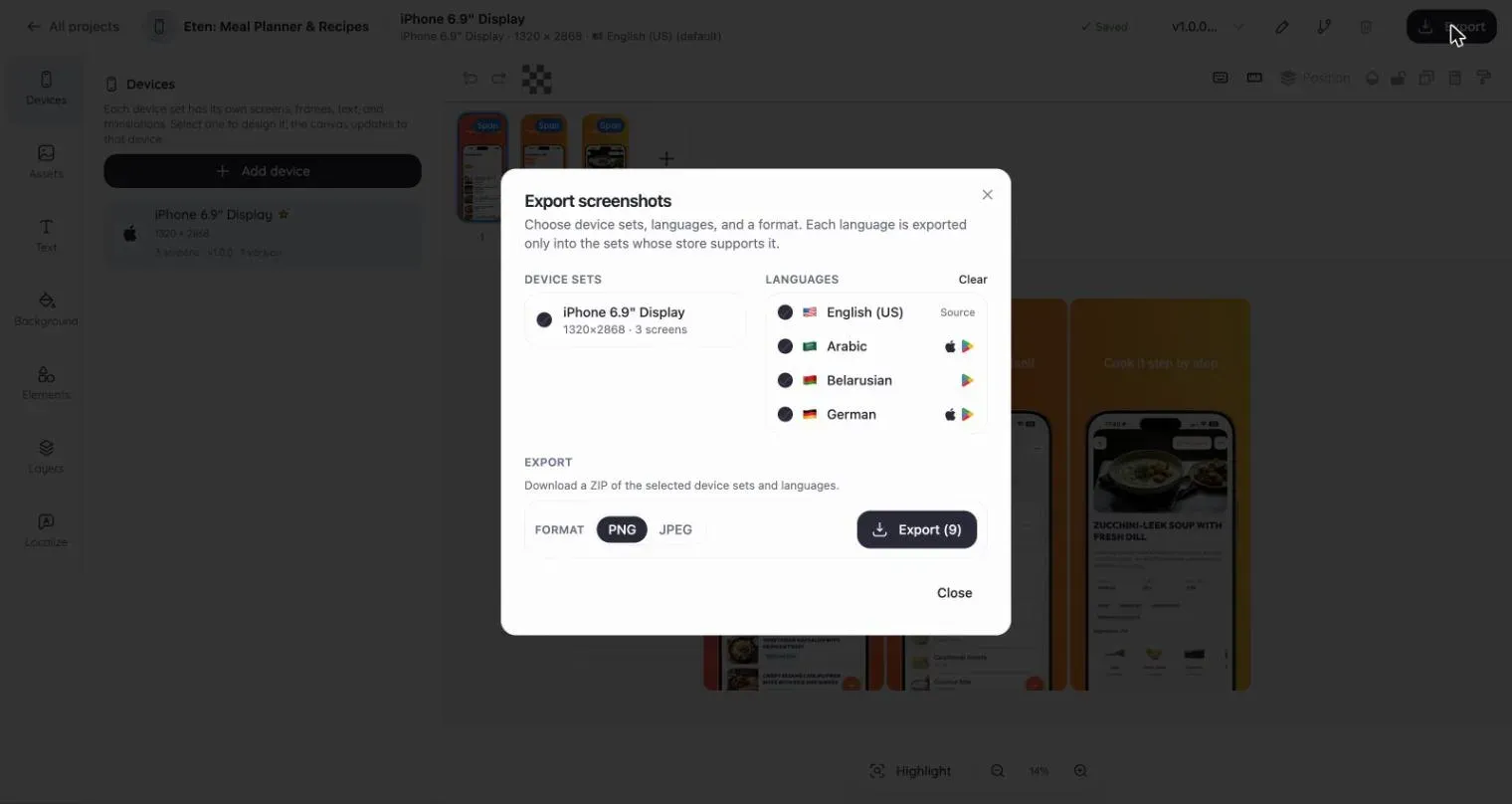
- Exact store resolutions. Lingue exports every size Apple and Google require, from 1320 x 2868 for the 6.9-inch iPhone to 1080 x 1920 for Google Play, at the exact pixel dimensions. Previewed's plans describe exports as 720p and 1080p+, and its screenshot-generator page still lists devices like the Samsung S10 and 2nd-generation iPad, so check that the output matches the store spec before you rely on it.
- The whole set, not one image. Lingue's filmstrip edits every screenshot side by side with panoramic backgrounds across the set, then localizes the same project into every store language, with right-to-left layouts mirrored automatically. Previewed's localization is manual: you retype the text per canvas.
- Publishing. Store Sync uploads finished sets to App Store Connect and Google Play per locale and device. Previewed has no store integration.
- AI drafts. Lingue's AI turns raw screens and a one-line description into a full editable set with ASO headlines. Previewed has no AI features.
Pricing, as of August 2026
Previewed: Lite is free (720p, personal use, attribution required). Plus is a $9.99 one-time payment for 10 exports at 1080p+ with a commercial license. Pro is $19 a month billed annually at $228, with unlimited exports and 60fps video.
Lingue: Starter at $15 a month or $99 a year, Pro at $35 a month or $180 a year, 7-day free trial on both.
Note the shape of the difference: Previewed's paid entry is cheaper for a one-off, Lingue's annual Starter is cheaper than Previewed Pro for ongoing work.
Which one should you pick?
Choose Previewed if you need app preview videos, animated mockups, or standalone 3D hero renders for your site and socials, or if a $9.99 one-time purchase for a single small batch of images is all your project calls for.
Choose Lingue if the goal is a store listing: guaranteed store resolutions on current devices, a localized set in one project, version history, and publishing to both stores without leaving the tool. The editor tour covers the canvas in detail.
Weighing other tools? See Lingue vs. AppScreens and Lingue vs. Screenshots Pro, or browse all guides and comparisons.
Common questions
Can Previewed make App Store app previews?
It exports animated MP4 mockups at up to 60fps and offers a promo video maker, which Lingue doesn't. Apple has its own resolution and duration rules for app previews, so verify the output against App Store Connect's requirements before uploading.
Does Previewed export exact App Store screenshot sizes?
Its plans page lists export quality as 720p (free) and 1080p+ (paid) rather than store pixel dimensions, and doesn't document per-device store sizes. Lingue exports the exact resolutions both stores require, which you can cross-check in our sizes guide.
Is a one-time $9.99 purchase enough for a full listing?
It buys 10 exports at 1080p+. A single iPhone set can use up to 10 screenshots, so one device size in one language fits, but multiple devices or languages won't. That's the point where a subscription tool costs less than re-buying export packs.