The Lingue screenshot editor: a real design canvas for store screenshots
Most screenshot tools hand you a template and a few slots. The Lingue editor is a full design canvas built only for App Store and Google Play screenshots: every element on every screen is yours to move, resize, and restyle, and what you export is always the exact resolution the stores require.
Here's what's on the canvas. If you'd rather have the AI lay out a first draft before you touch anything, see AI ASO screenshots.
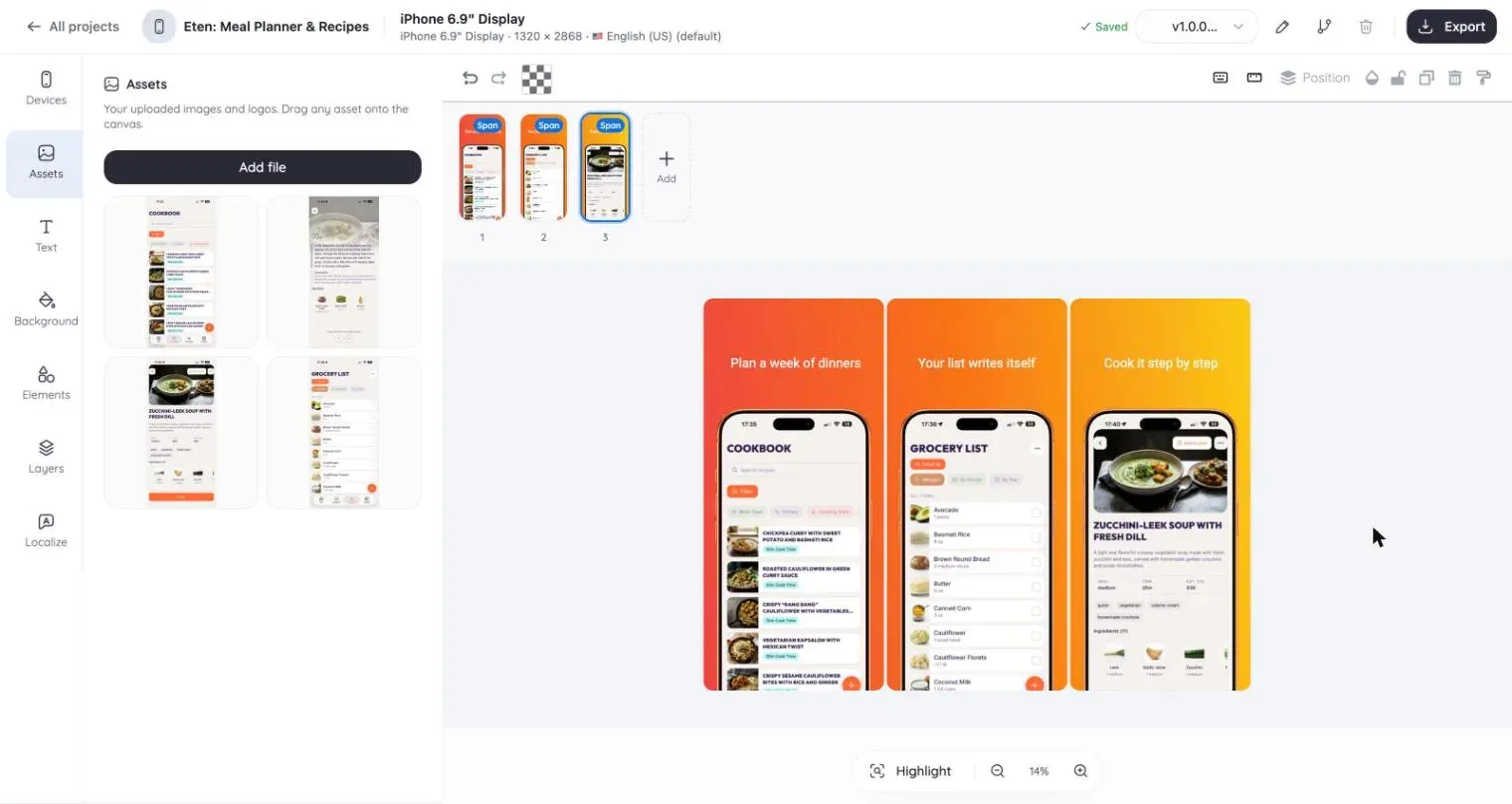
One filmstrip, every screen
You edit the whole set side by side in a filmstrip, not one screenshot at a time in separate files.
That changes how you work:
- Drag elements across screens. Move a headline or a device from screenshot 2 to screenshot 4 the same way you move it within one screen.
- Panoramic backgrounds. Lay a single gradient or image across the entire set so the background flows continuously from one screenshot into the next, a look that reads as one scene when shoppers swipe through your listing.
- Reorder screens by dragging them in the strip, with your layout intact.
Devices: presets, frames, and 3D angles
All iPhone, iPad, and Android presets are built in, so you design at the real canvas size instead of resizing afterwards.
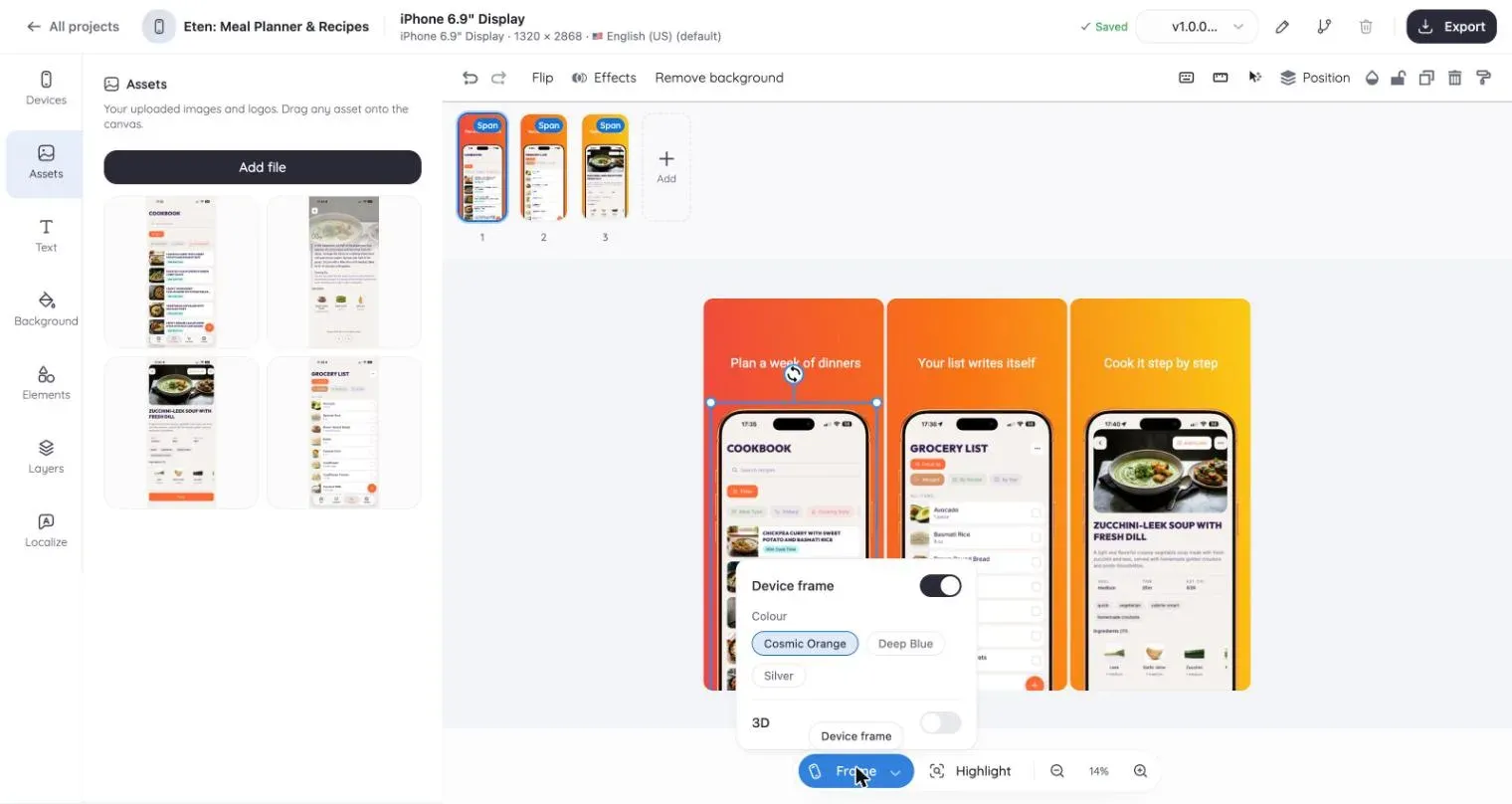
- Device frames. Wrap any raw screen in a device bezel. Zoom and crop the screenshot inside the frame until the part that matters fills the view.
- 3D tilt. Angle a framed device in perspective for hero shots. The tilted mockup stays one movable, scalable element on the canvas.
- One project, every size. Design once, then export for each device from the same set. Every required resolution, from 1320 x 2868 for the 6.9-inch iPhone to 1080 x 1920 for Google Play phones, is covered in our sizes guides.
Text, shapes, and everything between
- Typography. Use any Google Font or upload your own brand fonts.
- Backgrounds. Solid colors, multi-stop gradients, or your own images.
- Shapes and emoji. Vector shapes and an emoji picker for annotation and accent.
- Award badges. Ready-made vector badges like Editors' Choice, App of the Year, and 5-star ratings, sized for screenshots.
Nothing on the canvas is locked. Layer, group, align, and restyle freely.
Localization on the same canvas
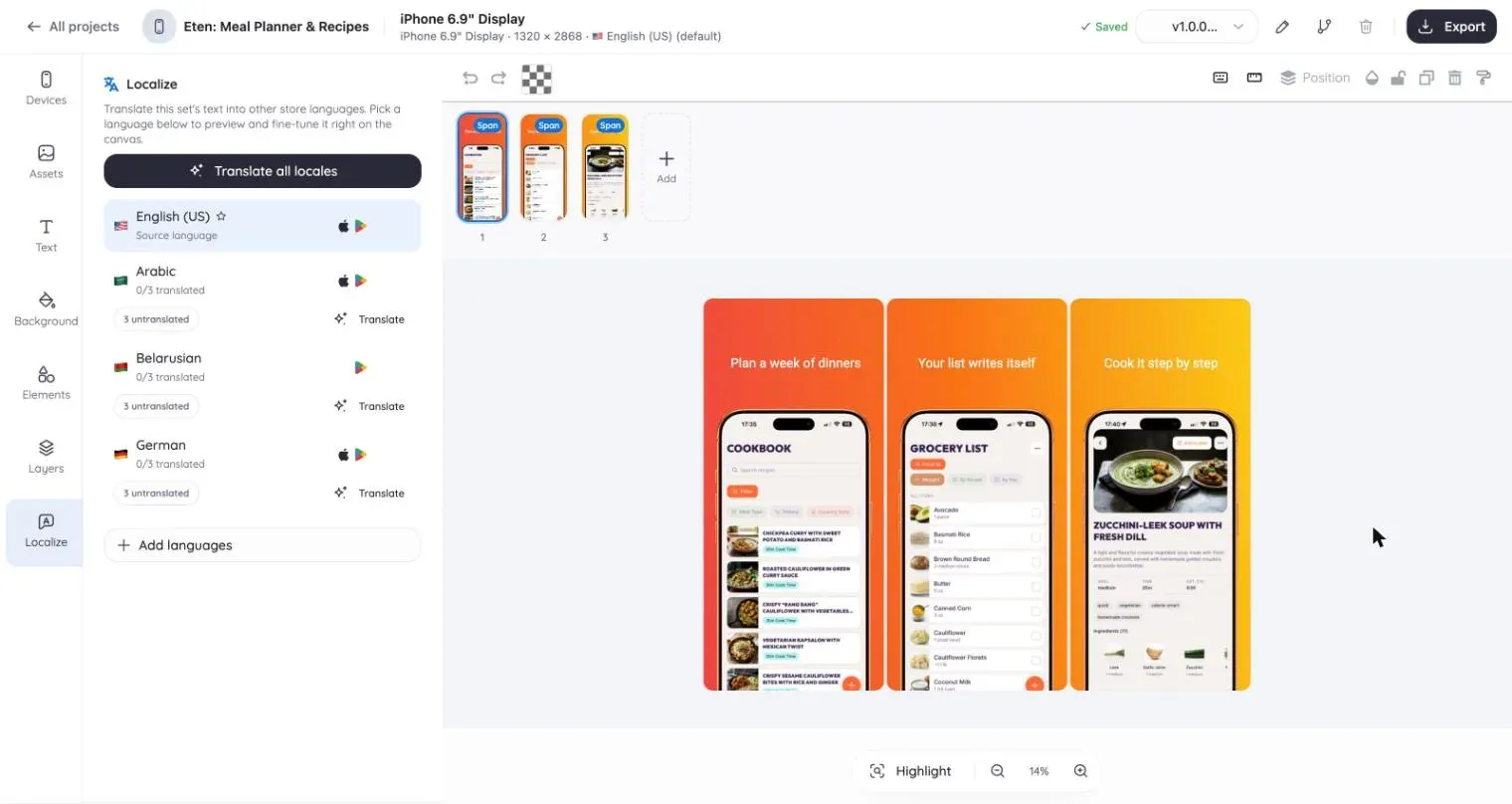
Localization isn't an export step bolted on at the end. Add languages to the project and edit copy per locale while the layout stays shared: change a design element once and it applies to every language. Right-to-left languages like Arabic and Hebrew mirror automatically. The full workflow is covered in the screenshot localization guide.
Versioning for redesigns
On Pro, snapshot a set before you experiment, branch two directions side by side, and restore any earlier version when a redesign doesn't pan out. Your last good set is never gone.
Export, or skip the export
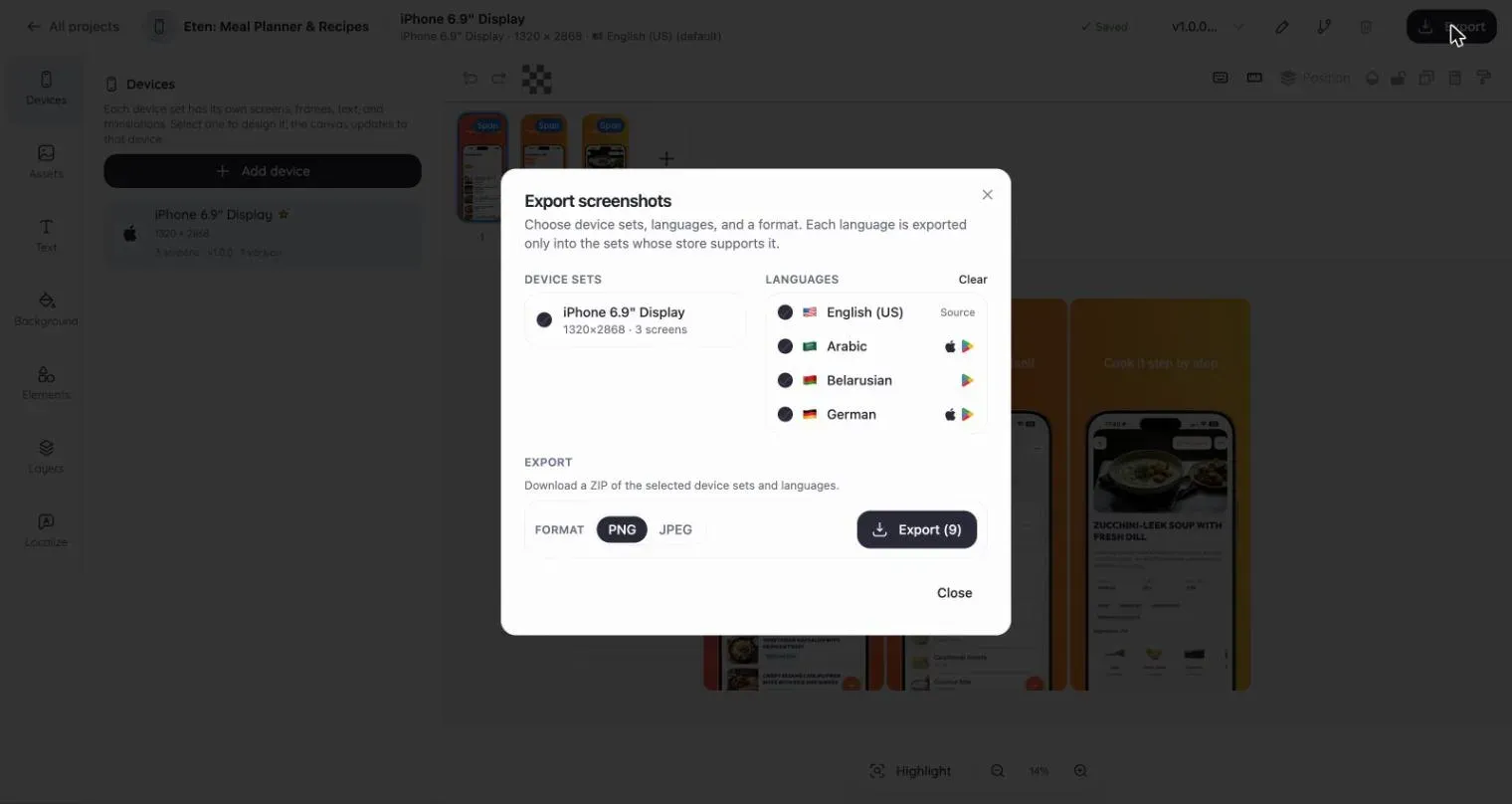
Export exact-resolution PNG or JPEG for every device and locale, named and ready to upload. Or connect Store Sync and publish straight to App Store Connect and Google Play without leaving Lingue.